-
 Continue reading →: Unlocking the Power of Low-Code with Microsoft Power Apps
Businesses today are racing to digitize processes and empower employees—no matter their technical background. That’s why Microsoft Power Apps and the broader low-code/no-code movement have become game-changers for organizations of all sizes. Let’s dive into the real benefits of Power Apps, how it fits into the low-code/no-code landscape, and when…
-
 Continue reading →: SharePoint Governance: How to Build Sustainable and High-Performance SharePoint Sites
A SharePoint site might look impressive in its first week, but true durability is measured by how well it performs and stays organized over time. In this article, we explore why strong governance—not just good design—is the key to a sustainable SharePoint environment. Discover practical strategies for building sites that…
-
 Continue reading →: Highlights from Microsoft Community Days Madrid
Last week, I had the privilege of attending the first-ever Microsoft Community Days in Madrid, and I’m still buzzing with inspiration. This wasn’t just another tech event—it was a celebration of collaboration, innovation, and the power of community.
-
 Continue reading →: How to Disable the Social Bar in SharePoint Online Modern Pages (2025 Guide)
If you’re building a clean, professional SharePoint Online site—like an intranet or documentation hub—you might want to remove the Social Bar that appears at the bottom of modern pages. It includes likes, views, comments, and a “Save for later” button. Here’s how to turn it off, plus a few common mistakes to…
-
 Continue reading →: Set Unique Permissions in SharePoint Libraries with PowerShell
Managing permissions in SharePoint can be tricky, especially if you have many libraries and lists. Automating this process can save you a lot of time and effort. In this post, we’ll walk through a PowerShell script that helps you set permissions for libraries with unique permissions, filtered by their titles.
-
 Continue reading →: How to Copy SharePoint Pages: 3 Effective Methods
Copying a SharePoint page from one site to another can be a crucial task for organizations looking to manage data across different sites.
-
 Continue reading →: Managing SharePoint 2013 User Properties with PowerShell
For SharePoint 2013 administrators, managing user properties like usernames, display names, and email addresses can be done effectively using PowerShell. The `Set-SPUser` cmdlet is particularly useful for these tasks. Here’s an example of the command tailored for SharePoint 2013: Key Parameters Explained:1. `-Identity`: Identifies the user account you wish to…
-
 Continue reading →: SSRS: The request failed with “HTTP status 401: Unauthorized”.
I’ve tested this solution on a server with on SharePoint 2010. First solution Configure the Reporting Services integration in Central Administration to use a Trusted Account rather than Windows authentication. Here’s the steps needed to accomplish that: Open Central Administration and click General Application Settings. Select Reporting Services Integration Change the Authentication mode…
-
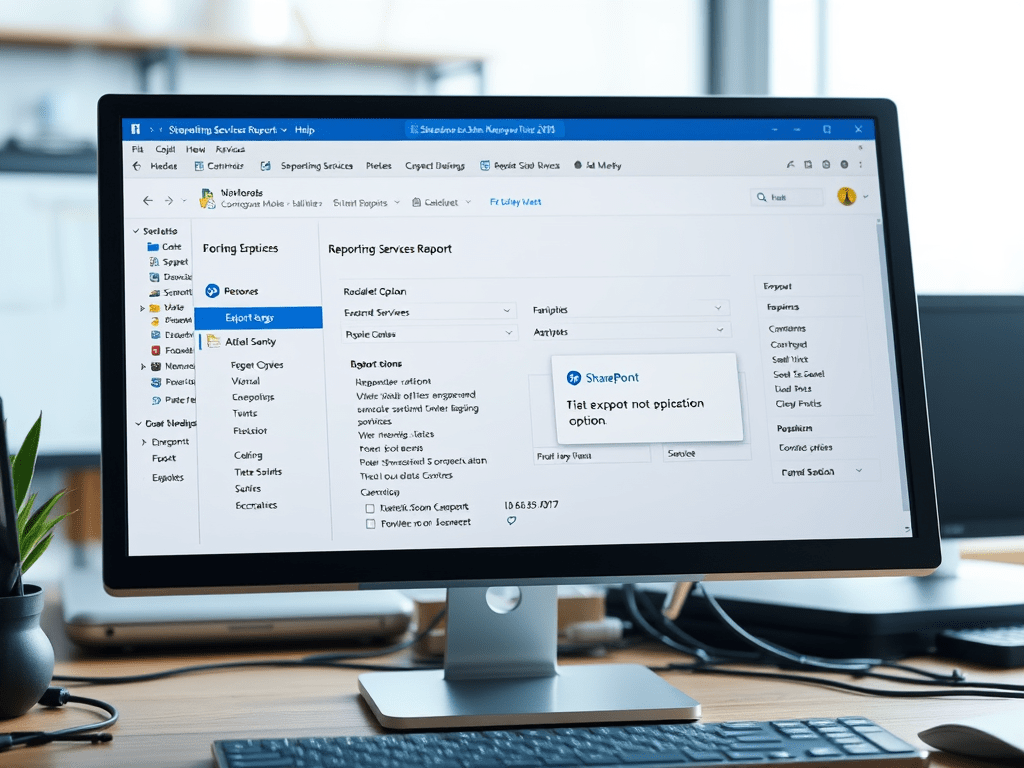 Continue reading →: SSRS Export Action does not work in web pages (how to fix)
When having a Reporting Services report on a SharePoint web page the export option does not list the available options. In order to get it working, you need to configure the report viewer auto generated axd files[Reserved.ReportViewerWebControl.axd] in the IIS. Open the IIS Manager. Go to the site where you have…
-
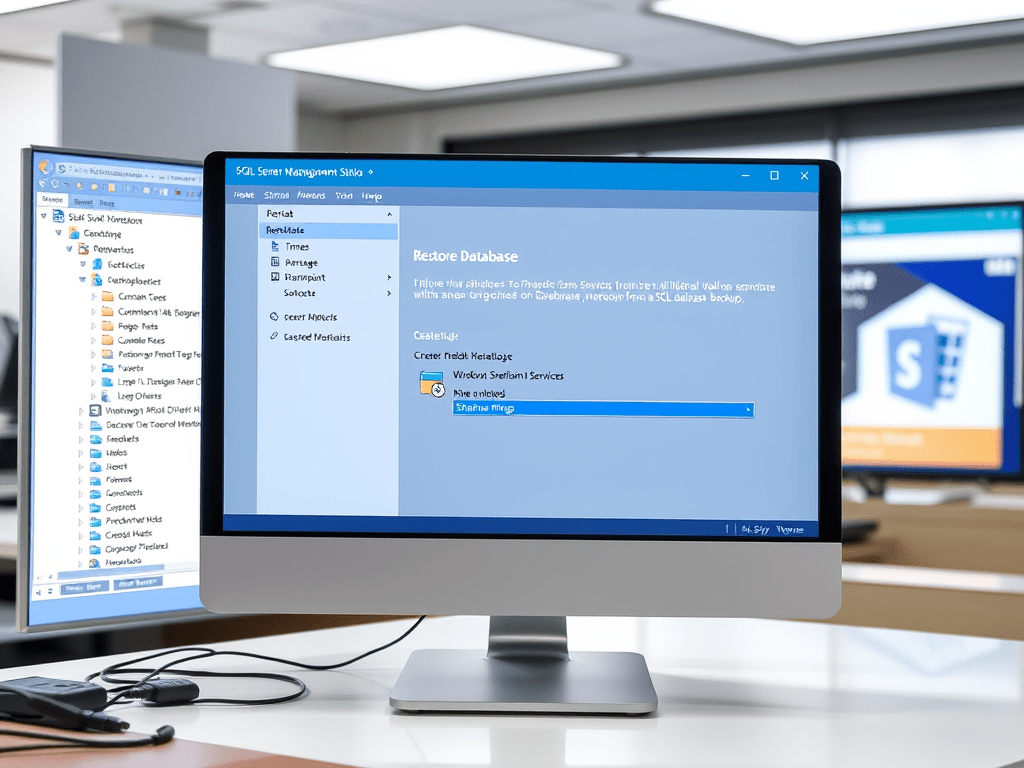 Continue reading →: Create a SharePoint Web Application from a SQL database backup
To set a new environment from a database backup there are some step that are necessary to follow. The first step is restoring the SQL database backup. The next step in the process is creating your Web Application, if you haven’t any yet, to host our Site Collections. Note: The…

Hello,
I’m Arsénio

Hi, I’m Arsénio Ferraz — a business owner and passionate tech enthusiast with a deep love for all things Microsoft 365, SharePoint, Power Apps, Power Automate, Power BI, and beyond.
Let’s connect
Join the fun!
Stay updated with our latest tutorials and ideas by joining our newsletter.






 Arsénio Ferraz